
Customize the World: The Custom Hobo Level Editor
Happy Wheels was great for a lot of reasons, but one of the biggest was the level editor. You could come back every few weeks and find dozens of new levels, ranging in content from obstacle courses, to death traps, or recreations of famous scenes. All of it built by players who had the same tools the developers did. That creative loop kept the game alive for years. We want Custom Hobo to have that same energy.
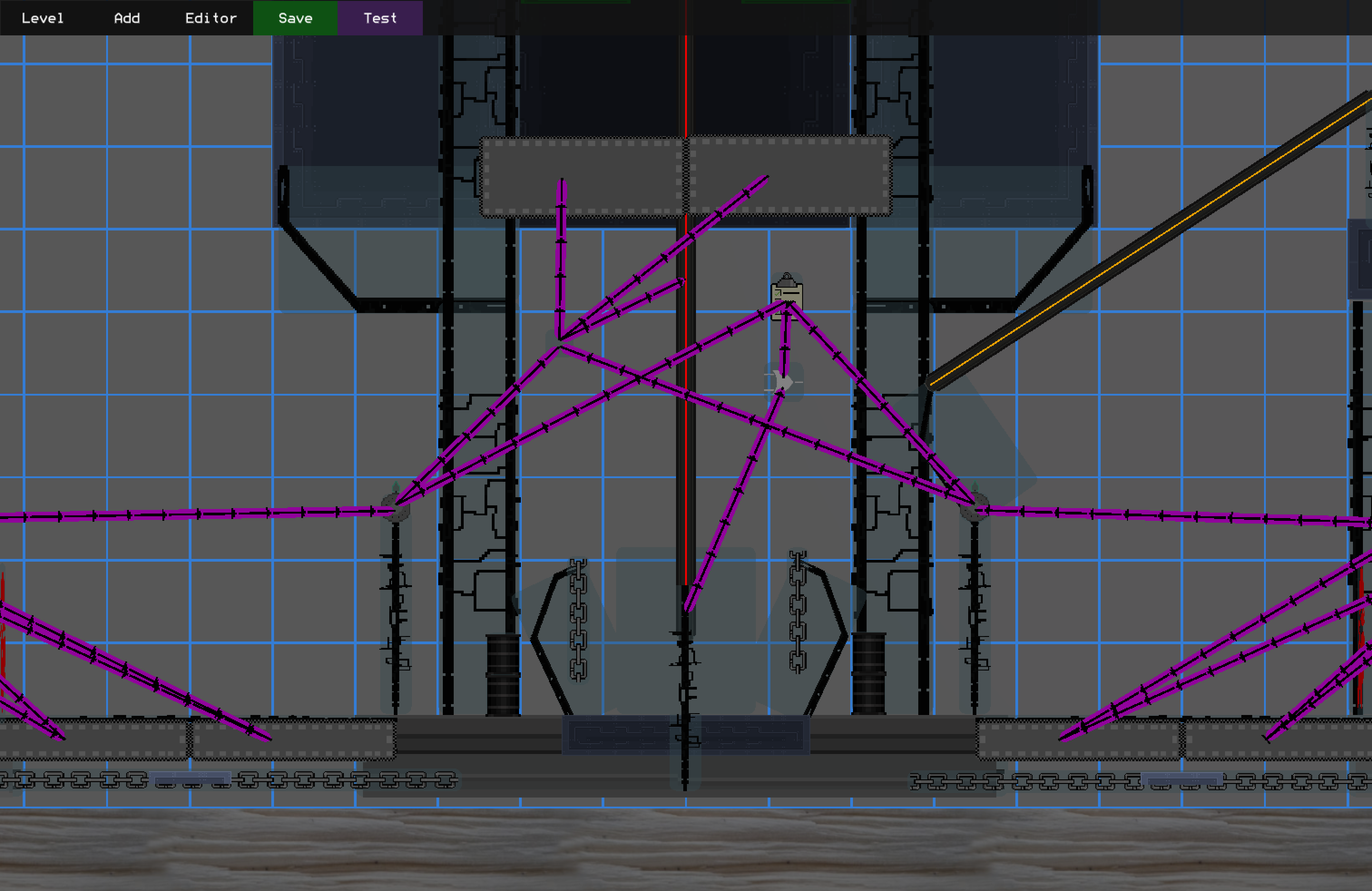
Building a level editor for Custom Hobo was always part of the plan. What we didn’t fully anticipate was how much we’d need it ourselves. In the early days, constructing a level meant writing C++ by hand: place an object here, give it these properties, compile, run, squint at the screen, repeat. Iterating on level design at that pace is painful. The editor changes all of that; we can place objects, wire up logic, and see the result immediately, without a line of code in sight.
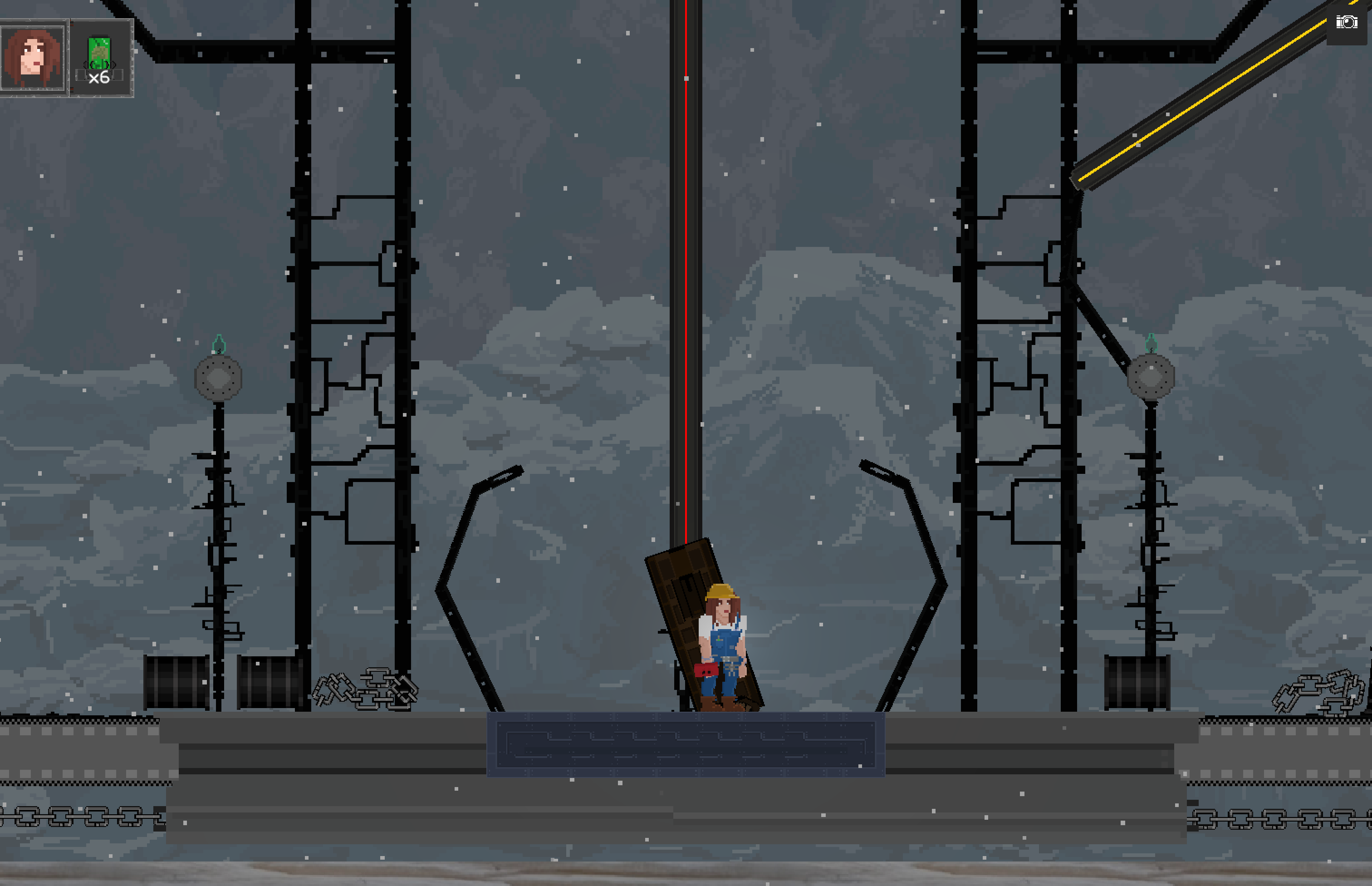
And because the editor runs inside the same game engine that runs the game itself, what players see in the editor is exactly what they’ll see in-game. No surprises.
Data Serialization
Before we could build a real editor, we needed a way to save and load levels. This turned out to be one of the trickier problems in the whole project.
We use cereal, a C++ serialization library, to turn our level data structures into binary files and back again. Cereal handles the low-level plumbing. What it gives us on top of raw I/O is versioning: every serializable type carries a version number, and the serialize function switches on it.
struct LevelParams {
    LevelType levelType;
    vector<AreaParams> areas;
    string backgroundMusic;
    map<string, string> auxMap;
    float speedrunTimeSeconds;

    template <class Archive>
    void serialize(Archive& archive, uint32_t version) {
        switch (version) {
        case 0:
            archive(levelType, areas);
            break;
        case 1:
            archive(levelType, areas, backgroundMusic, auxMap);
            break;
        default: // current
            archive(levelType, areas, backgroundMusic, auxMap, speedrunTimeSeconds);
            break;
        }
    }
};
Each new field gets added to a new version case. Old files deserialize correctly because their version tag tells us which fields to expect. We never have to make breaking changes – a level created on day one still loads fine today. In the above example, you can see how we added fields as we went along, all without breaking old levels.
But deserialization alone isn’t enough. Game updates add new object types, rename properties, or change the meaning of values. A level created a year ago might reference editor objects that no longer exist, or be missing aux data that’s now required. To handle this, we run every loaded level through a repair pass before it goes anywhere near the game. The repair code fills in missing fields with sensible defaults, removes references to deleted objects, and logs anything it can’t fix automatically. The result: player levels always load, even after major game updates. That’s a promise we want players to be able to rely on.
Aux Data
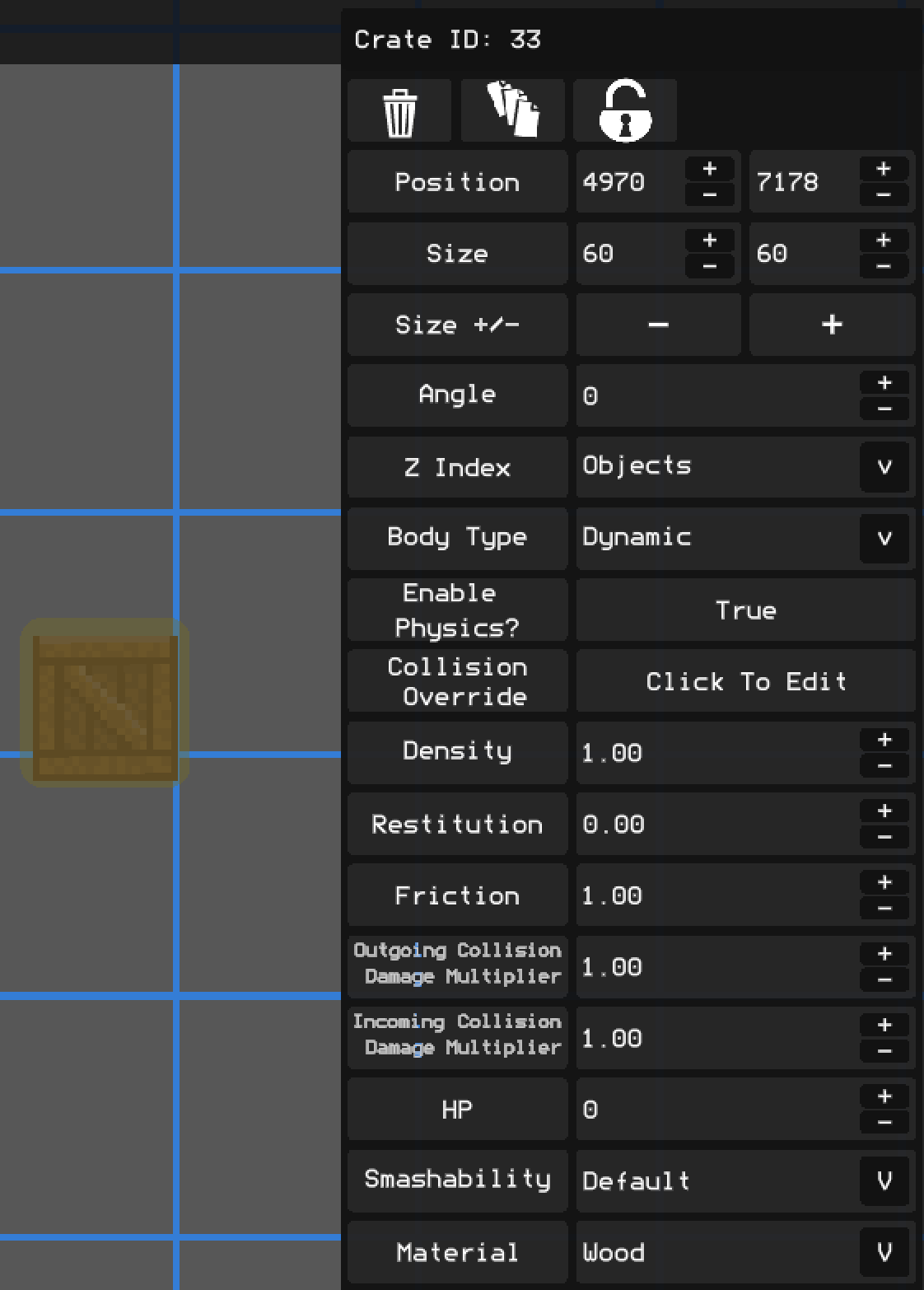
One challenge with storing level objects is that different object types need very different properties. A platform needs a material and a friction value; a timer needs a duration; an enemy spawner needs to know what enemies to spawn. We didn’t want to add every possible field to a single giant struct.
Our solution is “Aux Data”: each object carries a map<string, vector<int>> that stores arbitrary named properties. When we need a new property on an object, we add it to the defaults for that type. Old files that predate the property just get the default on load.
struct ObjectParams {
    ObjectType type;
    int x, y, width, height;
    map<string, vector<int>> auxMap; // flexible key-value store for all other properties
};
This keeps the core object struct small and stable, while letting individual object types carry whatever data they need.
Triggers
Arranging objects in a level is all well and good, but the game would be severely limited if things could only behave in a specific way. We need to enable designers to customize their levels beyond simple layout and static properties. A door could open when a button is pressed, or when an enemy dies. A timer starts when the player enters a zone, and makes them have to race through to the finish. All of this is handled by our trigger system.
The idea is simple: objects can be told to do things, and other objects can tell them to do those things. A trigger source fires when something happens to it; a button is pressed, a timer runs out, a counter fills up. When it fires, it tells its targets to perform an action.
struct TriggerConfig {
    weak_ptr<TriggerTarget> target;
    TriggerState stateInWhichToFire; // e.g. TIMER_ENDED, COUNTER_FILLED, ON_ACTIVATE
    TriggerAction actionToFire;      // e.g. START, EXPLODE, OPEN
};

void fireTriggers(TriggerState forState) {
    for (auto& config : triggerConfigs) {
        if (config.stateInWhichToFire == forState) {
            config.target->trigger(config.actionToFire);
        }
    }
}
In the editor, you connect a source to a target and choose which state fires which action. The connections are stored inside the objects, so they serialize and load like everything else.
At the simple end, an explosive barrel can be told to EXPLODE. Point any trigger source at it, configure it to fire on whatever state you care about, and the barrel goes off. No scripting required.
At the more complex end, we have logic objects like timers and counters that exist purely to coordinate other things. A timer counts down and fires when it reaches zero. A counter tracks how many times it’s been triggered and fires when it hits a threshold. A trigger “gate” can be used to selectively ignore trigger inputs.
Chain these together and you can build real level logic: a door unlocks only when enemies die, a platform only moves after a switch sequence is completed, a wave of enemies spawns after a countdown. Even things like Cutscenes and Objectives have been abstracted out into Triggers, so players can create whatever experiences they dream up!
Chunks
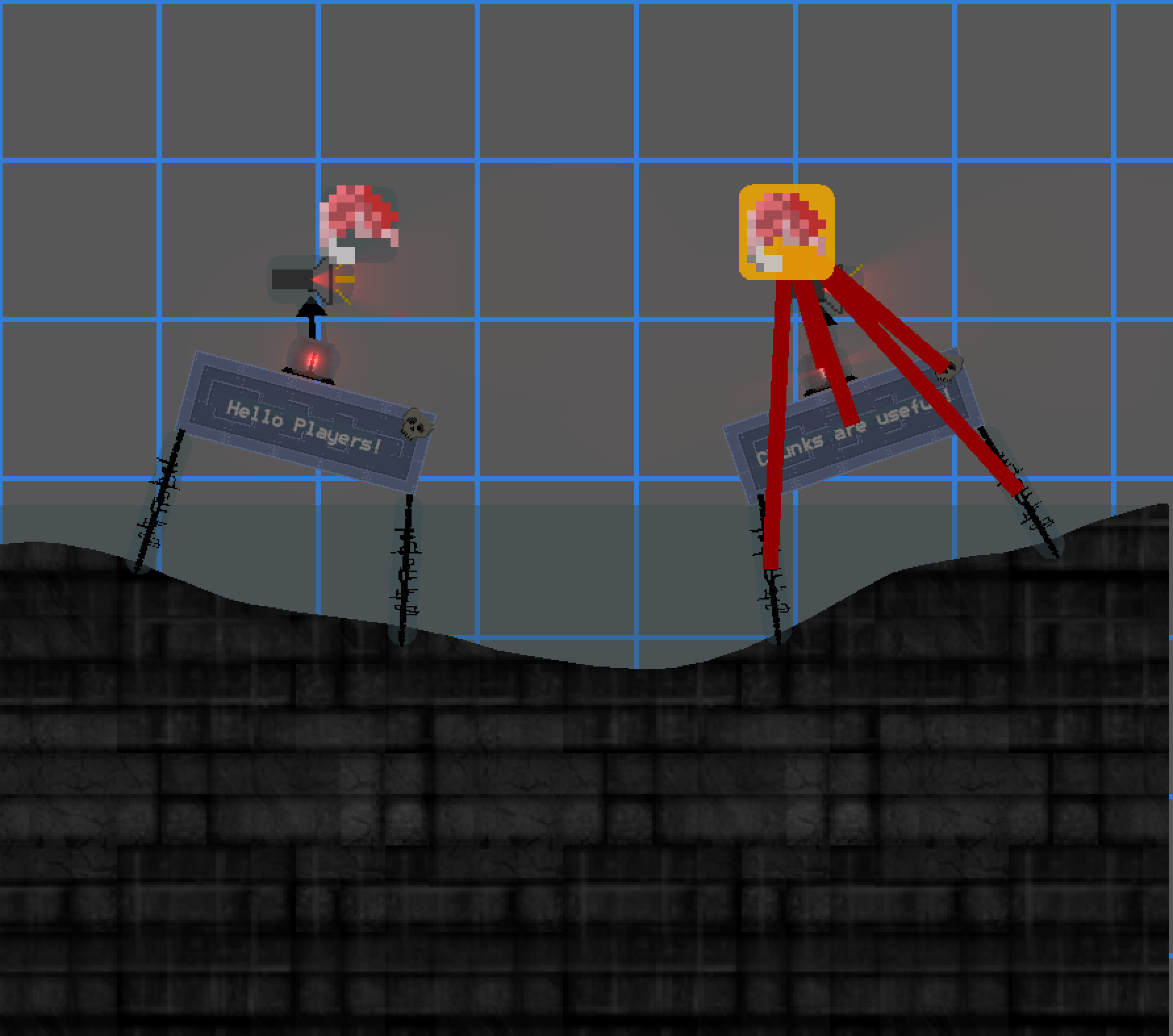
In Custom Hobo, a chunk is a named, reusable collection of objects and triggers that can be placed as a unit.
Chunks are useful in two ways. First, they let designers build a complex piece once and reuse it. A particularly nasty trap sequence, a decorative sign cluster, a loading dock with a working elevator – all of these can be authored once as a chunk and dropped anywhere.
struct ChunkParams {
    string name;
    vector<ObjectParams> objects;
    vector<TriggerParams> triggers;
};
We also designed a system for generated or procedural levels. Chunks can be stitched together automatically using Chunk Junctions. A Chunk Junction is a special object placed inside a chunk that marks a connection point. When the level-building code runs, it finds matching junctions between adjacent chunks and merges them at those points:
The merge algorithm picks a starting chunk, randomly selects candidate chunks that share a compatible junction, and combines them one by one until the level is the right size. The result is a coherent level assembled from independent building blocks, with no manual stitching required.
Encounters
Random and varied combat is one of the things that keeps a game like Custom Hobo from feeling repetitive. Our encounter system is how we achieve that.
An encounter separates two things that are often tangled together: what gets spawned and where it gets spawned. “What” is defined by spawn pools – groups of enemy types that can fill a role. “Where” is defined by object spawners placed in the level.
When an encounter starts, it pulls from pools to decide which enemies to send to which spawners:
struct EncounterWave {
    vector<SpawnRequest> spawnGroups; // each group: a pool, a spawner target, and a count
    float startDelay;
    optional<float> timeout;
};

struct SpawnRequest {
    ObjectPool pool;    // e.g. RANGED_ENEMIES, MELEE_ENEMIES
    ObjectSpawner target;
    int numToSpawn;
};
A concrete example: you have two sniper nests at opposite ends of a rooftop, and a melee colosseum in the middle. You define a RANGED_ENEMIES pool containing snipers, riflemen, and grenadiers. You define a MELEE_ENEMIES pool containing ankle biters and dudes with sticks. The sniper nests spawn from the RANGED_ENEMIES pool; the middle spawns from the MELEE_ENEMIES pool. Every time the encounter runs, the specific enemies that show up are pulled randomly from those pools. The layout and game design is preserved; the exact mix is always different.
Encounters also support waves. A wave completes when all spawned enemies are dead (or a timeout expires), then the next wave begins. The encounter fires triggers at each milestone (wave started, wave completed, encounter completed), so you can wire up doors, cameras, or dialogue to the flow of combat.
void Encounter::trigger(TriggerAction action) {
    if (action == START) {
        state = IN_PROGRESS;
        startWave(0);
    }
}

void Encounter::updateEncounter(float dt) {
    if (currentWave.isComplete()) {
        fireTriggers(ENCOUNTER_WAVE_COMPLETED);
        currentWaveIndex++;
        if (currentWaveIndex >= waves.size()) {
            fireTriggers(ENCOUNTER_COMPLETED);
        } else {
            startWave(currentWaveIndex);
        }
    }
}
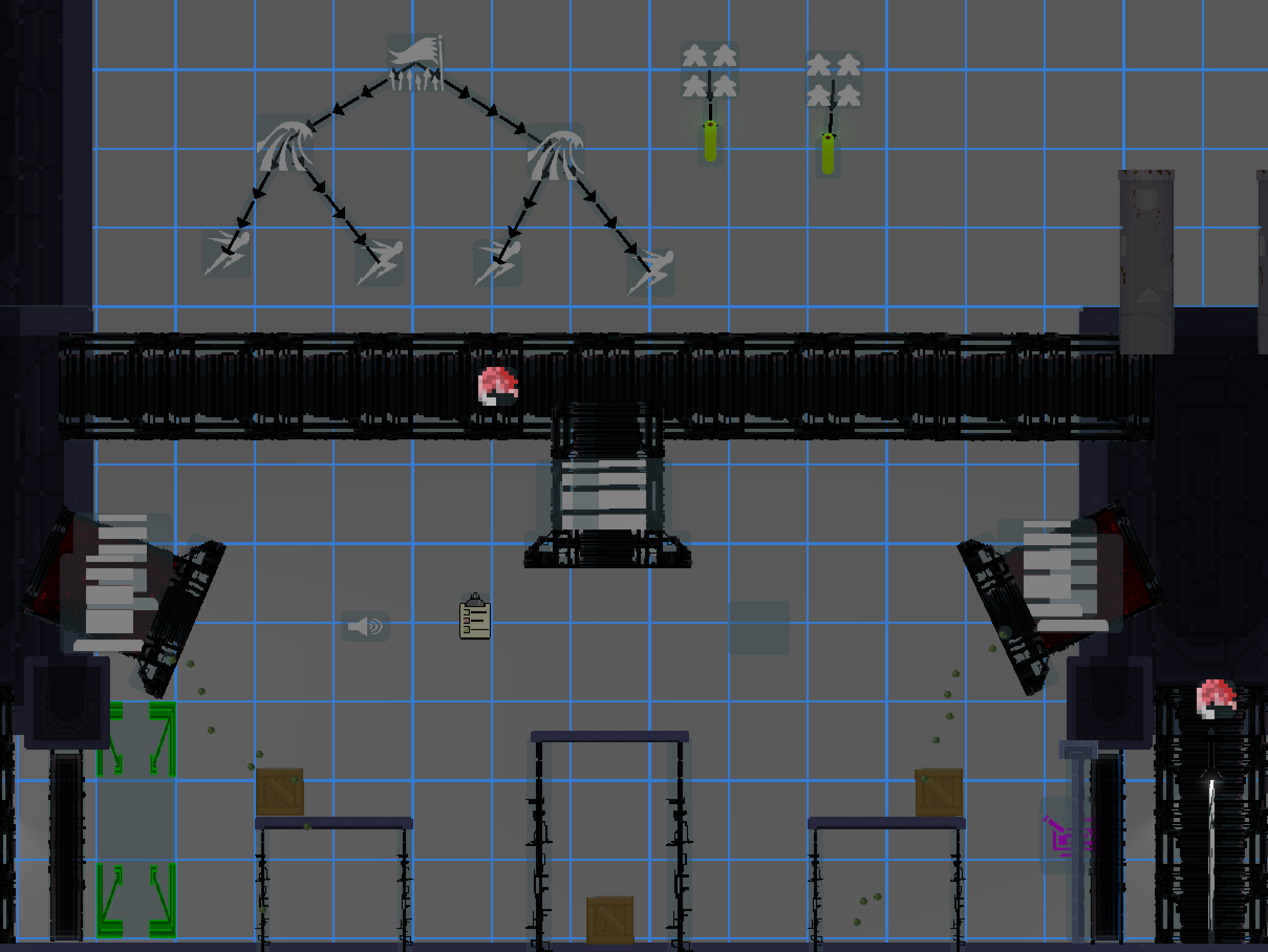
The encounter itself is a trigger target, so it fits naturally into the rest of the system. Walk through a door, trigger the encounter to start, and the whole combat sequence kicks off.
Wrapping Up
The level editor is one of those features that’s hard to explain until you use it. Watching a level go from a blank canvas to a complete experience – placing objects, wiring up triggers, testing encounters, stitching chunks together – in a single session rather than over weeks of compile-edit-run cycles has completely changed how we build the game.
More importantly, it’s not just our editor. It’s the editor we’re shipping to players. Every tool we use to build our levels is a tool players will have to build theirs. The trigger system that drives our scripted story moments is the same one a player can use to build a Rube Goldberg machine out of explosive barrels and timer chains. The chunk system that helps us organize large levels is the same one a player can use to build a modular puzzle dungeon and share it on the Steam Workshop.
Part of what made Happy Wheels so special was the constant trickle of weird, surprising, and occasionally brilliant things players came up with. We can’t wait to see what Custom Hobo players make!
-Piece Factory LLC